
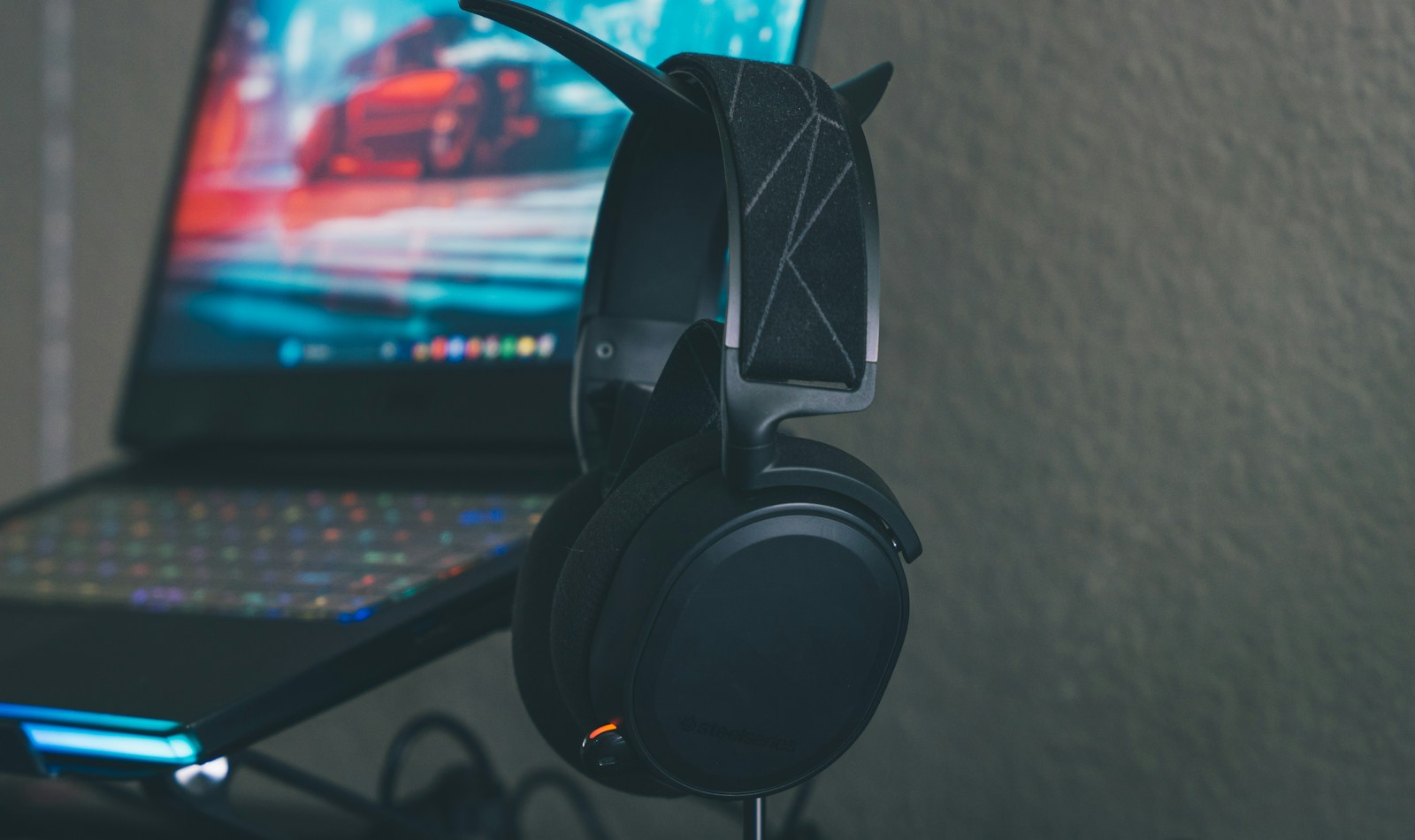
Windows 11 is testing a higher-quality Bluetooth listening mode for the moments when your headset's microphone is also on. It could help when you want to keep listening in stereo during a call, but the preview needs compatible hardware on both ends.
Microsoft's November 20 Windows Insider announcement places the change in the Experimental channel. A PC supporting Super Wideband Stereo, paired with a Bluetooth LE Audio accessory capable of 48kHz playback, gets a new “2 channels, 16 bit, 48000Hz” option while that accessory's microphone is active. Microsoft describes the result as full-range stereo fidelity.
That matters if your headphones double as your call headset. The update targets playback while you're speaking, including voice calls and voice typing; it isn't a promise that your microphone recordings become stereo or that every Bluetooth headset improves.
To look for the option, open Settings, then System > Sound. Choose your Bluetooth device under Output, expand its output settings, and find “Format when microphone is active.” The new format is a setting to check on a supported setup, rather than a reason to replace headphones before confirming compatibility.
Check what your PC already supports
Stereo playback with an active microphone isn't entirely new to Windows. Microsoft's existing Bluetooth LE Audio settings guide already documents support on some PCs with build 26100.4484 or newer and updated manufacturer drivers. Those requirements include Windows 11 version 24H2 or later, factory-integrated Bluetooth LE support, appropriate drivers and an LE Audio accessory.
That distinction makes today's announcement a quality upgrade for compatible systems. A Bluetooth logo alone doesn't establish eligibility. If the microphone-active format control is missing, Microsoft's guidance is to check Windows and driver updates, then ask the PC manufacturer about support. Its existing troubleshooting advice also allows switching back to mono if stereo causes audio loss or glitches.
The Experimental build 26340.10032 release notes list the change under gradual rollout. Even within that channel, installing the build doesn't guarantee immediate access. Microsoft also cautions that Insider features can change or never reach a general release.
For a PC you rely on for work calls, the useful next step is a compatibility check. Keep your current call setup working, check what your PC maker supports, and wait for broader availability if you aren't already testing Experimental builds.