
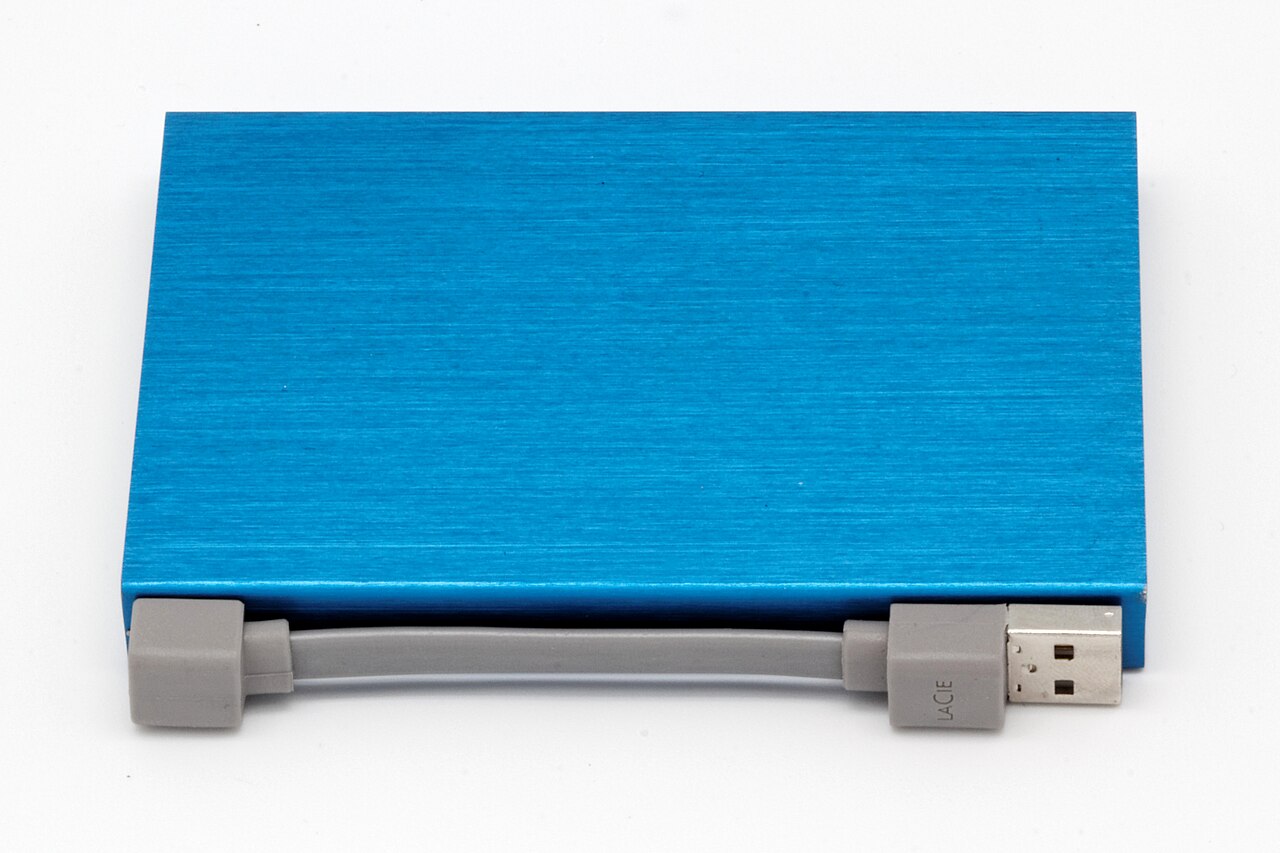
Before you move years of notes, photographs or project records into a new app, try moving a little of that work back out. A reassuring export button is a poor substitute for a file you can open, understand and use somewhere else.
Our view is that this deserves a place in the trial period, alongside checking the price and trying the main features. You don't need a perfect escape plan for every disposable shopping list. But when an app becomes the home for work you would hate to rebuild, leaving it should be something you've rehearsed.
Decide what you need to keep
“Can I export my data?” sounds like one question. For a reader choosing software, it's more useful to break it into three: can you get a copy, can you read that copy, and can you continue the work with it?
Those are different standards. A readable record may be enough for an old travel itinerary. For an active project, you may need editable text, attachments and an understandable connection between tasks. Decide which outcome matters before judging an export as good or bad.
The distinction isn't theoretical. Notion's export documentation describes HTML, Markdown and CSV options, including uploaded files, but also warns that uploading an exported workspace won't instantly recreate it. An export can be valuable without functioning as a complete restore button.
That isn't a reason to rule out the app. It's a reason to ask a more precise question about what you expect to survive. If your important material is the writing, a readable text file might meet your needs. If the value lies in an elaborate system you've built around the writing, test more than the paragraphs.
Move a small, awkward sample
Create a test project that resembles your real work. Include a long note, an attached image, a link to another page and whatever extra structure you expect to rely on. Use invented content or non-sensitive material while you're evaluating unfamiliar tools.
Then export it through the supported route. Open the result outside the original app. Can you locate the attachment without guessing? Does the title make sense? Can you tell which page a link was supposed to reach? If continuing to edit is important, make a small change in a suitable destination tool.
You aren't grading whether the exported version looks identical. You're checking whether it preserves the things that made your work useful. A plain folder that you understand may serve you better than a polished archive you can't meaningfully inspect.
Keep the test proportionate. You don't have to migrate an entire household's photo collection to compare two apps. Start with a few representative items, then check the service's documentation for larger exports and exclusions. A successful small test is evidence about that sample, not a guarantee about everything in the account.
Google's data-download guide, for example, explains that you can select which products to export, that downloading doesn't delete the originals, and that changes made between requesting and creating an archive may be absent. Read those boundaries before deciding what the resulting copy proves.
Leave the original material in place during your trial. Exporting, verifying a copy and deciding to close an account should be separate decisions. There's no benefit in turning an evaluation into an irreversible deadline.
Pay attention to the work after downloading
The strongest objection to all this is reasonable: you choose an app because it helps you now. Spending an afternoon planning an unlikely departure can become another form of avoiding the task you bought the software to do.
That's why the test should be short and tied to consequences. A temporary brainstorming board needs less scrutiny than an archive of family writing. A project that ends next week needs a different plan from a collection you intend to maintain for a decade.
If the trial exposes a limitation, you have choices short of abandoning the product. Keep important originals separately. Prefer simpler structures for material you expect to move. Schedule a periodic export if the service supports an appropriate route, and remember to inspect the result rather than merely accumulate downloads.
Treat exported files as private material, too. Use storage you control, check who can access it, and avoid uploading a sensitive archive to an unfamiliar converter just to see whether it works. For a shared workspace, follow its permissions and policies rather than attempting to bypass an export restriction.
The decision is ultimately about how much rebuilding you're willing to accept. An app can be worth using even when moving away would take effort. What matters is making that trade knowingly, while the collection is small enough to understand.
Before committing your next important project, export one representative sample and try to use it elsewhere. Let that experience influence the purchase as much as the demo does.