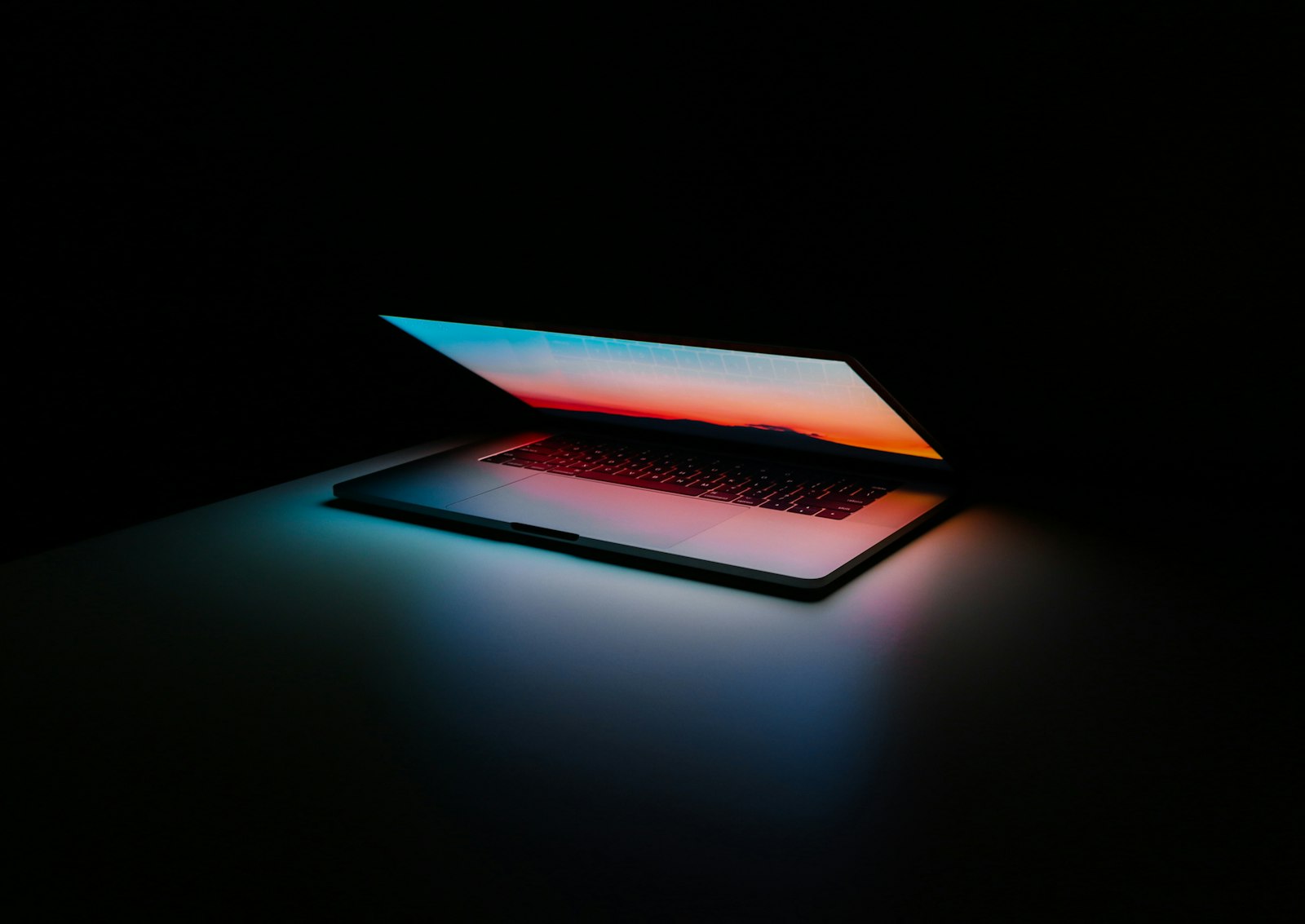
For years, “fanless Windows ultraportable” was a polite way to say thermal regret. Tom’s Guide’s Jason England just spent hands-on time with Microsoft’s counterargument: a new Surface Pro 12-inch (from $1,149) and Surface Laptop 13-inch (from $1,199) packing Snapdragon X2 Plus, launching October 13—and staying cool while Blender and friends stay open.
England’s framing is blunt enough for a homepage: the MacBook Air should be nervous. Not because Windows suddenly invented taste, but because sustained creative work without a fan scream is the Air’s brand, and these Surfaces finally play that game with dense cooling pipes instead of hope.
Cold under a real pipeline
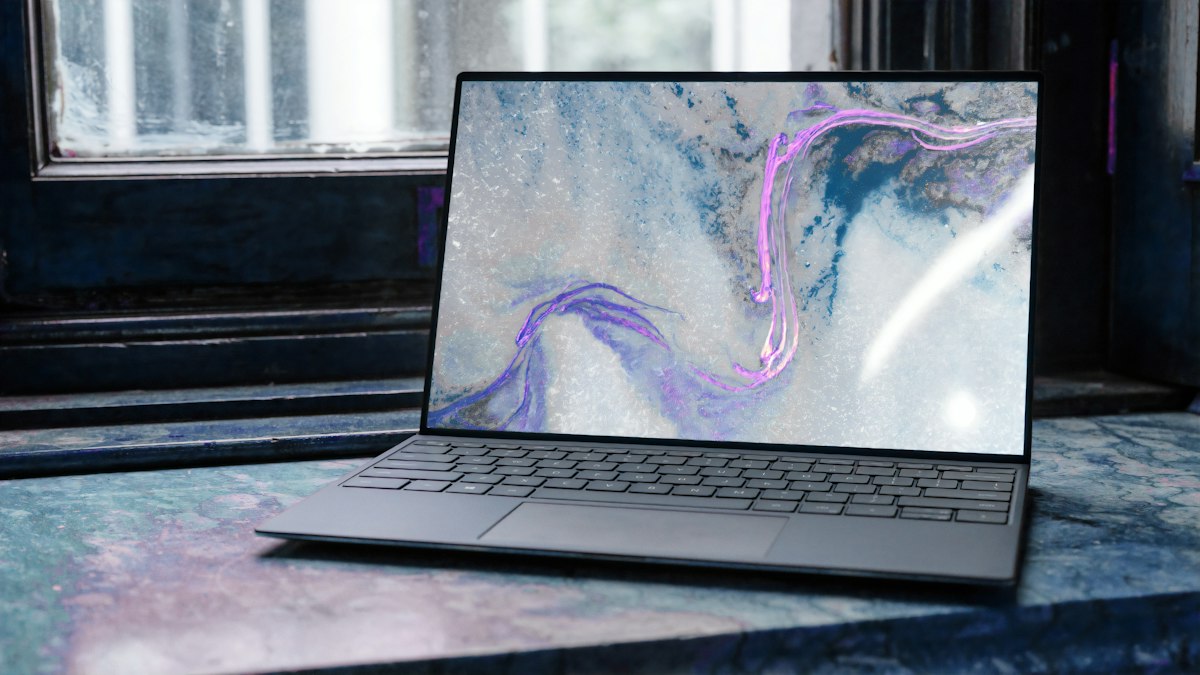
Both machines skip active fans. Past fanless Surfaces (and a graveyard of thin Windows laptops) usually answered hard loads with throttling and hot aluminum. England’s short test pipeline was deliberately mean: sketch in real time, import into Blender for full 3D geometry, push the render into Photoshop for multi-layer work—with all three apps still active. Navigation stayed snappy. The back of the Surface Pro chassis stayed cool to the touch.
Microsoft’s silicon story underneath: up to roughly 60% faster graphics rendering in the pitch, plus an 80 TOPS NPU for on-device AI. England’s takeaway is that the TOPS slide is fine, but sustained composure without a fan is the actual headline.
Displays, pens, and a lapability asterisk
Both machines carry upgraded 500-nit PixelSense panels that looked punchy in person, paired with keyboards that feel properly tactile. Aluminum shells get playful colors that hide how much silicon is underneath. On the Pro, Surface Pen haptics get a shoutout—zen-garden sand rumble as a gimmick today, and a hint that Photoshop snaps and UI pops could feel physical when more apps support the API.
The ergonomic catch: this Pro’s keyboard deck attaches at the bottom spine instead of magnetically bracing against the bottom bezel the way older Pros locked the Type Cover. England could not fully stress “lapability,” but the geometry suggests a wobblier lap experience than a true clamshell. Creators who live in kickstand mode on a desk may not care. Couch editors might.
Price tags aimed at Cupertino
Starting prices put these directly against Apple’s everyday lineup—not the Max tier. England calls the Pro the creators’ choice with kickstand caveats, and the Laptop the “best of both worlds” everyday machine. Either way, the pitch is no longer “Windows can be thin.” It is “Windows can be thin, silent, and busy at the same time.”
Note the calendar overlap with Microsoft’s broader October Surface/Windows event chatter Geeknewz already covered: these X2 Plus fanless models are a specific SKU story, not a rehash of every Surface Ultra rumor on the keynote slide.
Geeknewz take
Hands-on glow is not a week-long battery chart. England’s session is early and short. What matters is the failure mode that used to kill fanless Windows—heat and stutter under creative multitasking—did not show up in this demo. If week-one reviews confirm cool chassis plus all-day battery against a MacBook Air, Microsoft finally has a pocketable argument that is not just Arm translation slides. Watch October 13 launch units for thermals after hours of export queues—and whether that spine-only keyboard attachment becomes the Pro’s one-star footnote.
Source: Tom's Guide (Jason England)