
A film’s page should tell you whether you can watch it in the language and format you use, alongside the running time and synopsis. If that information only becomes clear after you start playback, you’re being asked to choose before you know whether the choice works. Accessibility information belongs at the moment of discovery, with enough detail to make a decision.
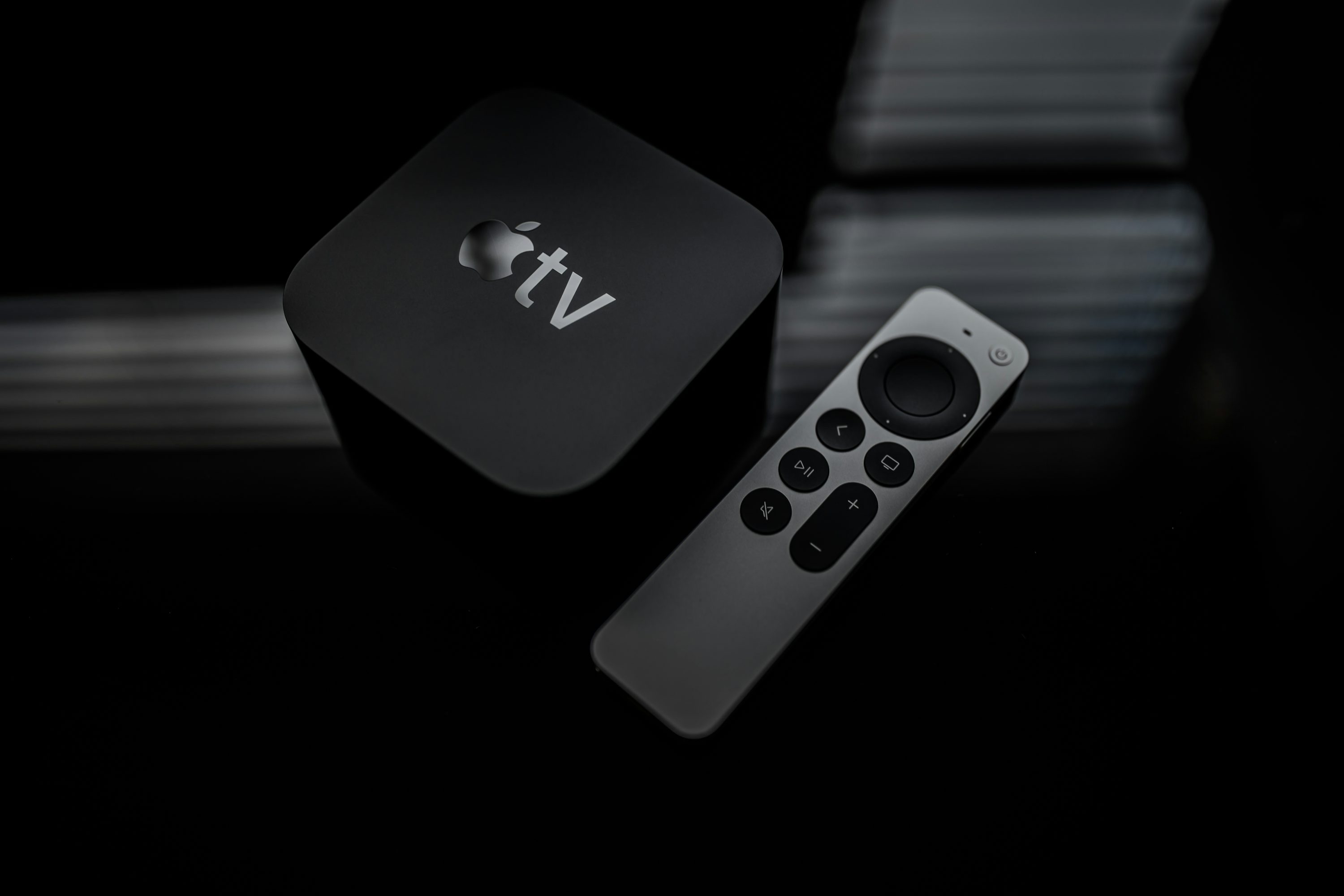
Apple’s addition of sign language interpretation to its TV app makes that argument timely. The interesting product question extends beyond finding a button during a film: can you find something you want to watch and establish that it supports the way you watch, without a round of trial and error?
Make the available version easy to find
In its Sign Language announcement, Apple introduced the feature with Being Heumann’s November 13 premiere. Apple describes title icons, search phrases such as “with ASL,” and a dedicated collection. Those discovery features deserve attention alongside the playback control.
The US title page for Being Heumann now lists American (ASL) and British (BSL) under Sign Languages. That is the kind of title-specific detail worth making easy to find. It identifies the options listed for that film without asking viewers to infer them from a service-wide announcement. Device and regional support still need checking.
The US sign language collection also illustrates why labels need to be specific. Its highlights include films with sign language as part of the story. That is a different claim from offering a selectable interpretation track. Appearing in the collection should be a useful starting point, not a substitute for checking the version of a film you intend to watch.
Discovery tools let the conversation begin with a choice of films. That’s a better starting point for planning an evening than a general promise that a service supports accessibility. The useful answer concerns this title, this language and this viewing setup. A service-wide feature list cannot settle all three.
Netflix already points viewers toward an Audio Description badge on a title’s details page and language-specific searches in its audio description guide. The same guide warns that availability can differ between seasons or episodes. That qualification shows why the detail matters: a series-level label should help you investigate the episode you intend to watch, rather than imply that every episode offers the same options.
My preferred design would keep a short, readable list near the main title information, with a clear route to fuller details. Name the available languages and formats. If support differs by episode, make that difference visible before Play. A single unexplained accessibility symbol asks the viewer to do too much interpretation.
There’s a real trade-off here. A title page can become crowded, and displaying every technical condition equally prominently would make choosing harder. The answer is to lead with the available options and reveal the qualifications when they matter. Someone who opens the accessibility details has already told the app that those details are relevant.
Describe the setup without making assumptions
Device support needs the same precision. Apple says the feature requires iOS, iPadOS, macOS, tvOS or visionOS 27.2 or later, or a supported third-party device running the latest app software. Having the app installed is not enough information to establish that a particular feature will work.
A useful title page should explain a known compatibility problem in ordinary language. If a software update is required, say which one. If the current device is unsupported, identify that limitation before the viewer changes unrelated settings. Where a service cannot determine support, it should say what remains unconfirmed rather than present a reassuring but incomplete badge.
The viewing mode deserves similar care. If you plan to cast a film, watch it in a browser or download it, the information should address that plan. A title page should make clear which of those modes its availability details cover. Viewers should be able to confirm their intended setup without having to infer support from a different screen.
Remembering preferences could reduce repeated setup, but the choice should stay with the viewer. A person might want a language preference saved to a profile, applied only on one device or changed for a shared viewing session. An app should explain where that choice will persist. It should not require someone to describe a disability to request a playback option, or make a temporary choice look like a permanent household preference.
This approach also makes recommendations more useful. If you choose to filter for a particular format, the app should keep that requirement visible and explain when a result does not meet it. Popularity is a poor reason to quietly disregard an explicit viewing requirement.
Before planning a film night around a new accessibility feature, check the exact title or episode, the language offered and the device you’ll use. Choose from confirmed options first, then decide what you feel like watching.