
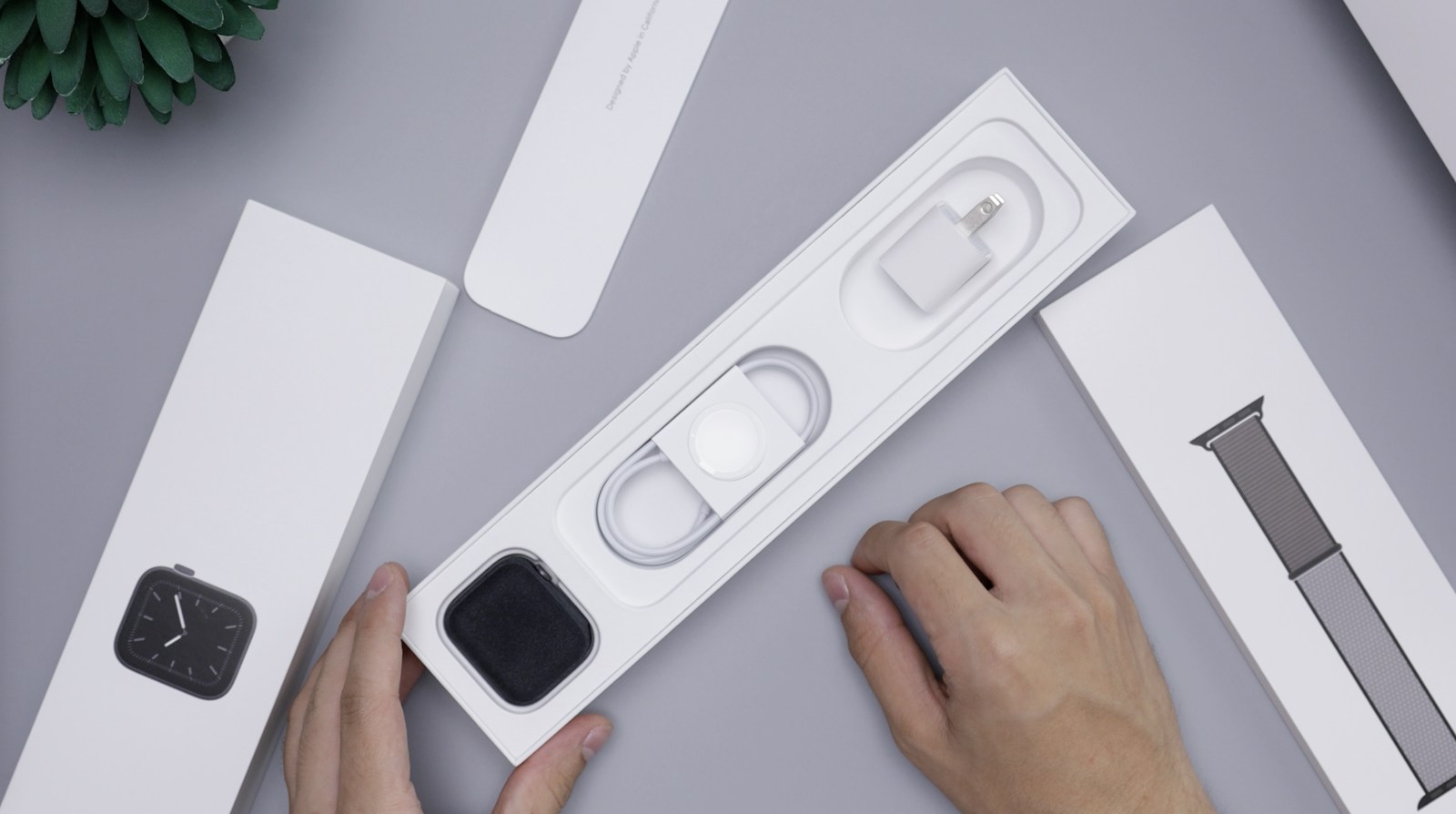
A smartwatch's battery life is only useful if you can fit its charging into your day. Before choosing a watch by the longest advertised runtime, I would choose the part of the day when I'm willing to take it off, then ask whether the watch can reliably recover enough charge in that window.
That turns a vague promise of “lasting longer” into a practical buying question. A watch that needs a predictable break may suit you better than one whose longer-running mode removes a feature you bought it for. Someone with irregular shifts or frequent travel may reasonably reach the opposite conclusion.
Start with the hours you want to wear it
Write down what you actually want from the watch: a visible clock at work, selected notifications, a recorded exercise session or overnight wear. You don't need to plan every minute. You need to notice which gaps are genuinely available.
If overnight wear matters, “I'll charge it at bedtime” isn't much of a plan. Consider a dry, stationary part of your evening or morning instead. If the watch is mainly for workday notifications, taking it off overnight may be entirely acceptable. There is no prize for wearing it continuously when that isn't useful to you.
Be honest about attention, too. A short top-up still requires you to put the watch on its charger and remember to put it back on. If you regularly leave the house before finishing breakfast, a morning charging slot may be convenient on paper and unreliable in practice.
The point is to find a routine you can keep on an ordinary busy day, not to design a perfect day around a gadget.
Treat charging speed as a complete setup
A fast-charging claim doesn't describe the watch alone. Apple's fast-charge guide specifies supported watch models, a USB-C Magnetic Fast Charging Cable and a suitable power adapter. It also distinguishes WPT-compliant cables that don't support fast charging and says results vary with conditions and usage.
That is why I would check the charging equipment before paying extra for a shorter recharge. The question isn't merely whether a product page says “fast.” It's whether the cable and adapter you'll actually use can deliver the documented result for that exact model and region.
Keep that check separate from the headline battery estimate. A runtime measured from a full charge doesn't tell you what a hurried top-up from your usual starting level will achieve. Nor should you assume that a charging figure from one generation applies to another.
If you already own the watch, observe a normal charging session using its supported equipment. Note the starting percentage, the available time and the result. Don't deliberately run it empty for the exercise. This is a suggested routine check, not a test we've conducted, and it won't establish a universal charging benchmark.
When traveling, include the watch's actual charging hardware in your packing decision. An available USB socket is only part of the setup; the watch still needs its compatible charger.
Compare the watch you'll use, including its compromises
Battery-saving modes deserve the same scrutiny as battery-life figures. Google's Pixel Watch battery guide, for example, says Battery Saver disables the Always-on Display, limits background activity and may delay notifications. The mode can be useful, but those changes affect the experience you're choosing.
Ask which compromise you would willingly keep. If a quick glance at the time is central to why you want a watch, don't casually compare one runtime with that display enabled against another with it disabled. If notifications are incidental, a mode that changes their timing may bother you less.
There is also a strong case for more endurance. A longer buffer can make a missed charging session less disruptive. People who cannot count on a regular charging opportunity should give that margin real weight. My argument is to value it in the context of your routine, rather than dismiss it or treat it as the only specification.
Before buying, write one plain sentence: “I'll charge this watch while I do this, using this charger.” Then check the manufacturer's conditions and the features you intend to leave enabled. If you can't make that sentence believable, reconsider the model or whether you need a smartwatch at all.
For a watch you already like, start by fixing the routine or checking the supported charging setup. An extra battery-life claim is worth paying for when it solves a gap in your day.