
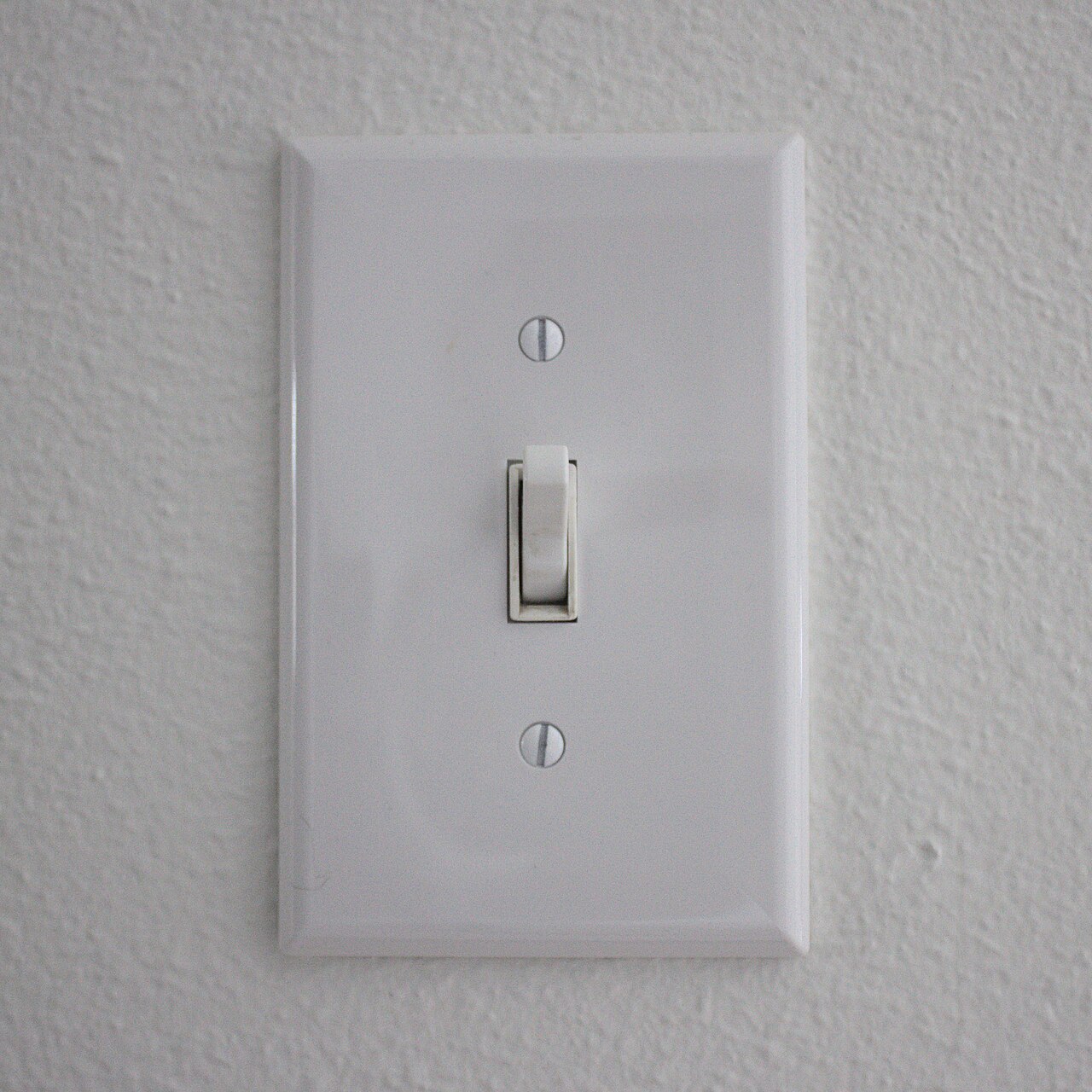
If someone has to text you to turn on a lamp in your own home, the setup needs another look. The cleverest routine in the world doesn't make up for a room that only one person knows how to use.
Here's our argument: judge a smart home by how well it works when the person who configured it is away. That should matter more than how many devices it connects or how impressive its dashboard looks. A home is a shared space, and its everyday controls should belong to everyone who uses it.
Start with the person who didn't set it up
Imagine a visitor arriving after dark. They want enough light to put down a bag, somewhere to charge a phone and a way to turn everything off before bed. They aren't looking for a tour of your automations. They shouldn't need to learn your preferred names for rooms.
Now imagine the same evening from the owner's side. You've put real effort into a scene called “Wind Down.” You know which lights it includes, what the button does on a second press and why one lamp must stay powered. Those details feel obvious because you chose them. The visitor didn't.
The design mistake is treating that knowledge as part of the room.
Try a small test with a willing household member or visitor. Ask them to turn on a useful light, make the room comfortable and switch it off again. Keep your phone in your pocket. Don't supply the right phrase or point to the hidden control. Watch for the moment they hesitate.
This isn't an intelligence test for your guest. It's a test of what your setup communicates without an explanation. If the first step is asking you, you've found an improvement worth making before buying another device.
Give ordinary actions an ordinary route
For each shared room, decide which actions should be easy without personal access to your account. Start with lighting and entertainment. Then ask what someone should be able to do when a routine chooses something they don't want.
The important feature is the override. Suppose an evening scene dims the room, but someone is still reading. They should be able to ask for more light through a control they understand, without feeling that they're breaking your carefully arranged system.
A physical button is one possible answer, not a universal requirement. A voice command may be the easiest route for one person; a reachable remote or simple screen may suit another. The standard should be independence, not loyalty to a particular type of interface. Design around the people actually living there.
Don't solve the problem by giving every visitor full administrative access. Operating a lamp and changing the household's routines are different jobs. Look for a way to provide the first without casually handing over the second.
Keep the instructions proportionate, too. A short label identifying the lights is useful. A page explaining six button combinations is a sign to reconsider the arrangement. Reserve the complicated controls for optional tricks, and make the basic action predictable.
Count the work you leave behind
There's a fair objection here: experimentation is part of the fun. Some people want a home they can tune, and there's nothing wrong with a complicated personal workspace or a weekend spent improving a dashboard.
The boundary is where the hobby becomes someone else's prerequisite for using a room. Enjoy the experiment, but give shared spaces a straightforward path through it. An elaborate scene can coexist with an uncomplicated way to get the lights on.
Before expanding your setup, write down three things: who can operate it, who can change it and who knows how to recover it. If all three answers are you, decide whether that's acceptable for this particular job. It might be fine for decorative lighting. It deserves more thought for something everyone relies on.
Ask a separate question about failure: what would the household do if the app, connection or controller were unavailable? Don't assume the answer from a product category or a familiar logo. Check the actual equipment's instructions before relying on a fallback, and avoid experimenting with essential systems just to prove a point.
You don't have to replace everything to improve this. Rename one confusing control. Make one useful button easier to find. Remove a routine nobody else wants. Agree on what happens when someone overrides an automation.
Then repeat the guest test. The next worthwhile upgrade may be the one that lets you leave the house without remaining its help desk.