
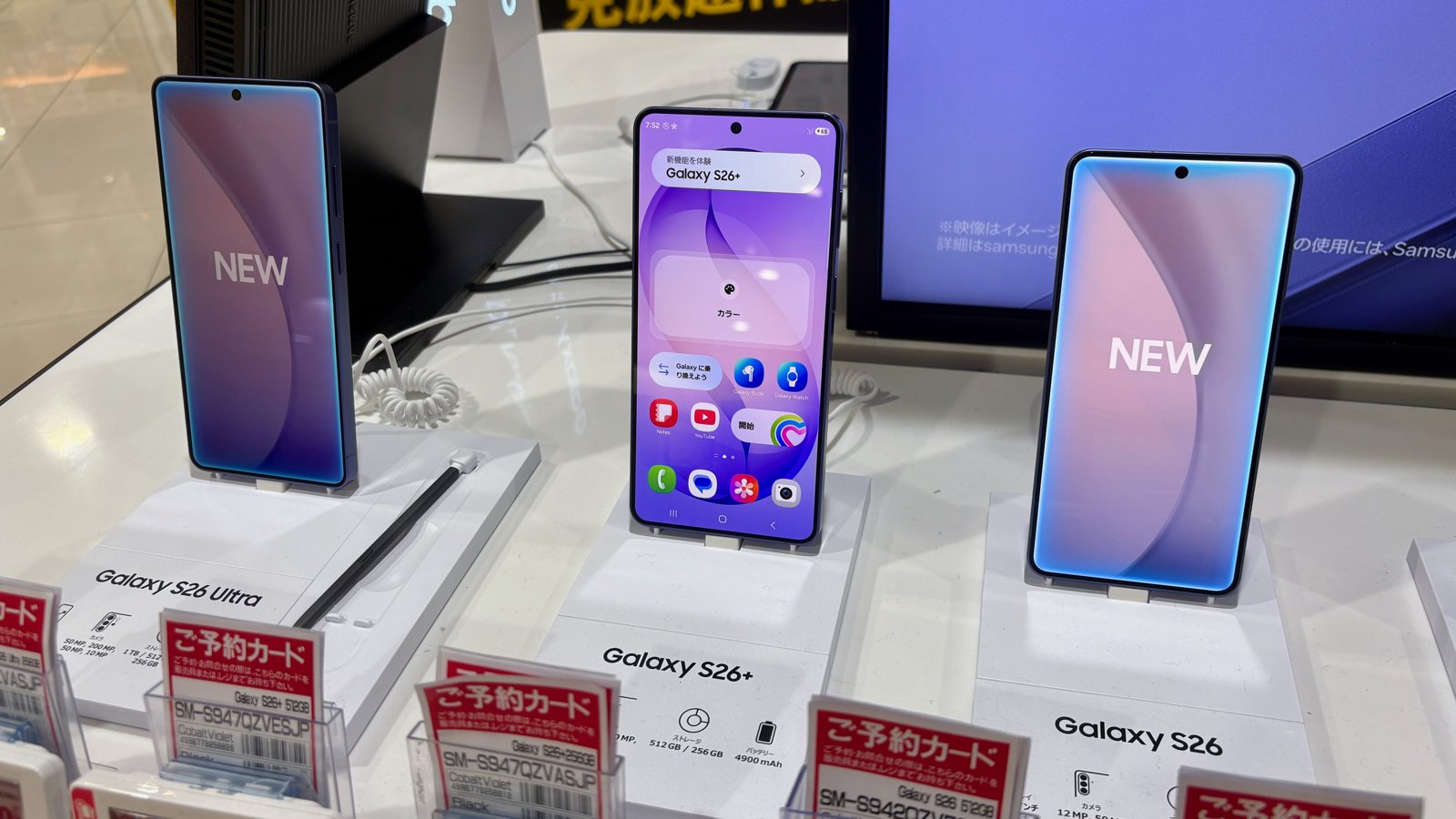
Samsung has opened its One UI 9.5 beta for eligible Galaxy S26 series users, with App Lock among the additions. This is test software ahead of the official release, so eligibility and the route back to stable software matter before you install it.
Samsung’s November 18 global announcement lists Germany, India, Korea, Poland, the United Kingdom and the United States. Eligible owners apply through Samsung Members. The announcement does not establish availability for every Galaxy phone or for markets outside that list.
App Lock also changes what stays visible
Samsung says App Lock can secure individual apps using biometrics or the phone’s screen lock. Locking an app also hides its notification content and widgets. If you depend on a widget for information at a glance, that behavior is worth checking alongside whether the app itself needs an extra lock.
Other announced changes include customizable controls and presets in supported Pro camera modes, a revised zoom bar, and hearing-aid volume controls in the notification panel. Samsung qualifies the enhanced Pro features by model support. These are announced beta capabilities, not results from our own testing.
Check the exit route before enrolling
Samsung’s beta program guide requires a Samsung Account and registration in Samsung Members. Program periods and supported devices vary by country. Look for the beta banner or card on the phone you intend to enroll, rather than assuming that owning an S26 guarantees access.
The guide warns that beta software can behave unexpectedly and cause data loss. Samsung recommends backing up to a computer using Smart Switch before installation and updating installed apps to their latest versions. Updates are delivered gradually to enrolled participants.
There is also an important distinction between leaving the program and removing the beta. Samsung says to withdraw through the beta program settings in Members, then use Smart Switch on a computer to roll back to the previous release. That rollback resets the phone and removes data generated during testing; a computer backup can be restored afterward.
Before proceeding, make sure you can actually use that recovery path. Check that your backup is available and that you have access to the computer you would need for a rollback. If this is the phone you rely on for travel, work messages or account access, decide whether you have time to deal with an unexpected problem.
The beta offers an early look at the changes, but the enrollment invitation should be treated as a testing choice. Read the terms presented for your device before downloading.