
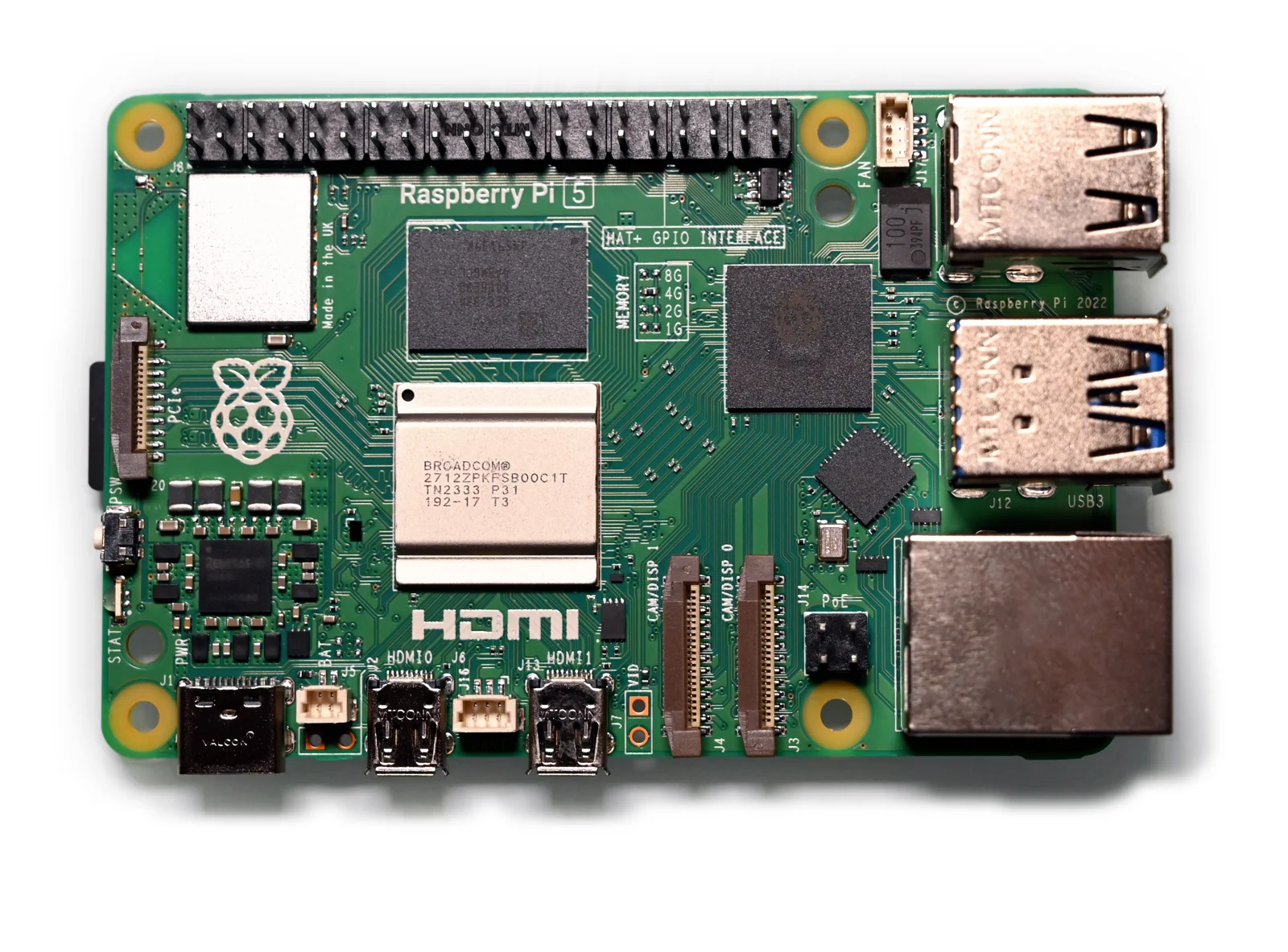
Raspberry Pi has raised the US list price of its 16GB Pi 5 to $385, making a memory upgrade a much bigger decision for your next project. The increase took effect on November 2 and adds $80 to the board's previous price.
If you've been choosing the largest memory option just to leave room for future ideas, it's worth pausing before placing another order. The useful question is how much memory your planned workload needs, and whether you've measured it on a machine you already own.
In its announcement of the 16GB price increases, Raspberry Pi attributes the change to limited alternative supplies of high-density memory and other component shortages. The 16GB Compute Module 5 variants also rise by $40. The company says it is holding the price of the 16GB Raspberry Pi 500+ keyboard computer, rather than applying the same increase across its range.
Check the job before choosing the memory
The November Raspberry Pi 5 product brief lists the 8GB board at $175 and the 4GB board at $110. The 16GB model therefore carries a $210 premium over the 8GB version. These are US-dollar list prices, not a quote for a complete system delivered to your door.
That premium deserves a specific reason. Write down what you'll run at the same time, which part of the job is essential and what could wait. A project that must handle several demanding tasks together is a different purchase from a board bought for experiments you haven't chosen yet.
If you already have a Pi, look at it while it's doing the real job. Raspberry Pi Official Magazine's memory optimisation guide explains how to inspect memory with free -h and htop. Pay attention to the “available” memory figure: Linux uses spare RAM for caching, so a low “free” figure alone doesn't establish that you need a larger board.
A quiet machine just after startup won't tell you everything. Repeat the check with your normal applications and busiest expected workload running. Keep some room for growth, but give that room a purpose rather than treating the highest capacity as the default.
For a new project, start with the software's documented requirements and look for evidence from people running a comparable setup. If the requirements are still vague, settle those before committing to the expensive board.
The higher price doesn't make 16GB unnecessary for everyone. It makes guessing more costly. Measure what you can, budget for the rest of the build, and choose extra memory because the project calls for it.