
A password manager is a sensible place to organize account information. Its own recovery plan needs a different home. If the only instructions and recovery material are inside the vault, they may disappear from reach at exactly the moment you need them.
Our view is that recovery deserves a simple test: could you find the official instructions and the material they require while treating your usual vault and phone as unavailable? That doesn't mean making secrets easy to find. It means avoiding a circular plan in which every route back starts behind the same locked door.
Name the problem your backup solves
“Recovery code” sounds like a universal spare key. Read what your particular code actually does before relying on it.
Bitwarden's two-step login recovery guide gives a useful example. Its recovery process asks for your email address, master password and recovery code. The code helps when you lose access to a two-step login method; it doesn't replace the master password. Bitwarden recommends keeping a printed copy in a safe place and says to save the replacement code after using one.
That distinction changes the plan. Losing an authenticator and forgetting the vault password are different failures. A sheet labelled only “backup” leaves you to rediscover which problem it covers while you're already locked out.
For each recovery item, add a short explanation of its purpose, following your provider's current documentation. Keep ordinary instructions separate from secret material where that makes sense. Someone finding a note about which help page to read shouldn't automatically receive everything needed to enter your account.
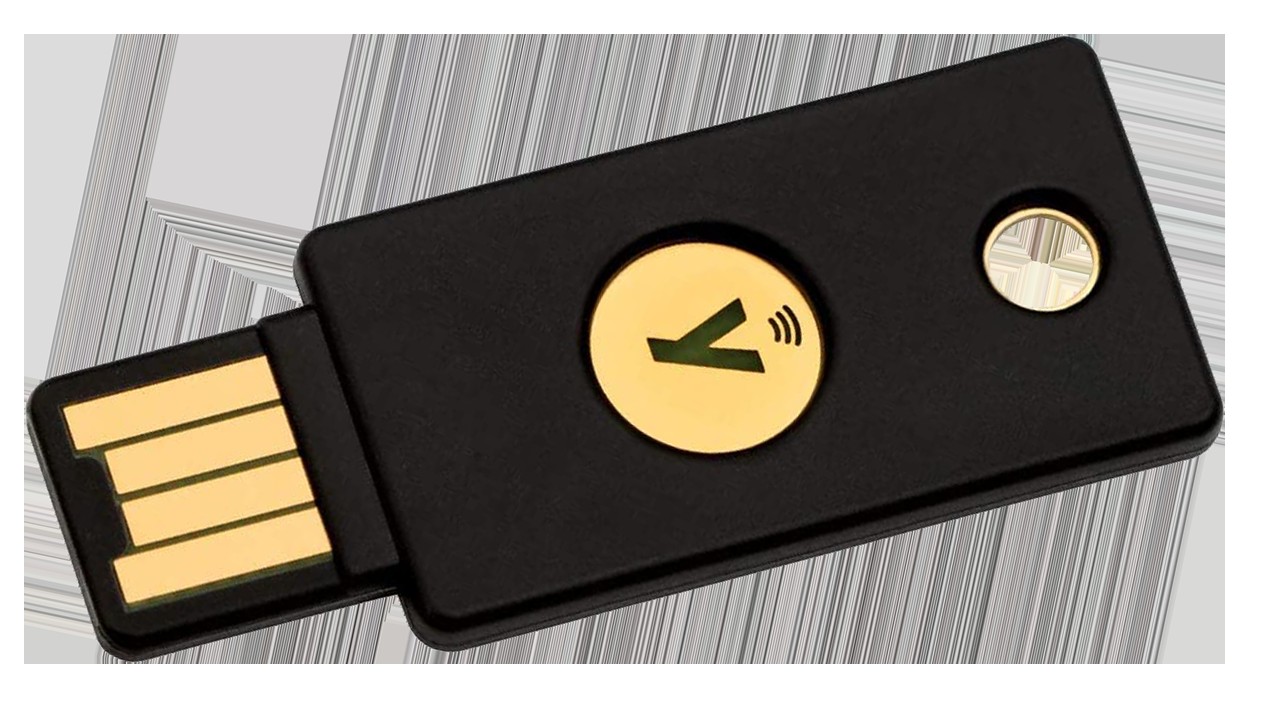
The same caution applies to hardware. Owning a security key and having it available are separate questions. If your plan depends on a spare, consider where it would be when your everyday bag is missing. The useful question is whether the route survives the situation you're preparing for.
Check the route without locking yourself out
Start with a paper exercise while access still works. Read the official recovery instructions and identify each thing they require. Then consider whether you could reach those things independently.
You might discover that the recovery document is in cloud storage whose password exists only in the vault. Or the code is a photograph on the phone you're imagining losing. Those arrangements may be convenient for everyday reference, but neither supplies an independent route in that scenario.
Don't turn the exercise into a destructive rehearsal. There's no need to sign out of every device, erase a phone, delete an account or consume a recovery code just to prove you've found it. Confirm that your stored material is legible, identifiable and reachable, and review any provider-supported way to check your setup.
Bitwarden's forgotten-master-password guidance also explains why assumptions about support are risky. The company says it cannot access, retrieve or reset your master password. It describes possible routes involving previously configured access or an organization administrator. Those options depend on your setup; reading that a feature exists doesn't establish that you've enabled it.
For a work-managed vault, ask your administrator which recovery route applies. Personal-account instructions shouldn't become an improvised workaround for your organization's rules.
Protect the way back
An independent copy introduces its own responsibility. Paper can be lost or read by somebody else. A separate digital copy has access requirements of its own. Choose secure storage that fits your circumstances and your provider's guidance, and think about both who can reach it and when you can.
This isn't an argument for emailing yourself a bundle of credentials or leaving a vault password beside your laptop. Nor does every household need an elaborate emergency binder. A modest plan you understand is more useful than an ambitious one whose location or contents you've forgotten.
Give the instructions enough context to remain understandable later: which account they concern, what the material is for and when you last checked it. Keep secret values out of casual task lists and shared planning documents. Review the plan when your recovery setup changes, especially if the provider replaces something you've used.
The goal is to reduce the amount you have to invent during a bad day. Spend a few minutes finding the official route and choosing a protected place for its requirements now. Your password manager can organize everyday life while its recovery plan remains reachable from outside.