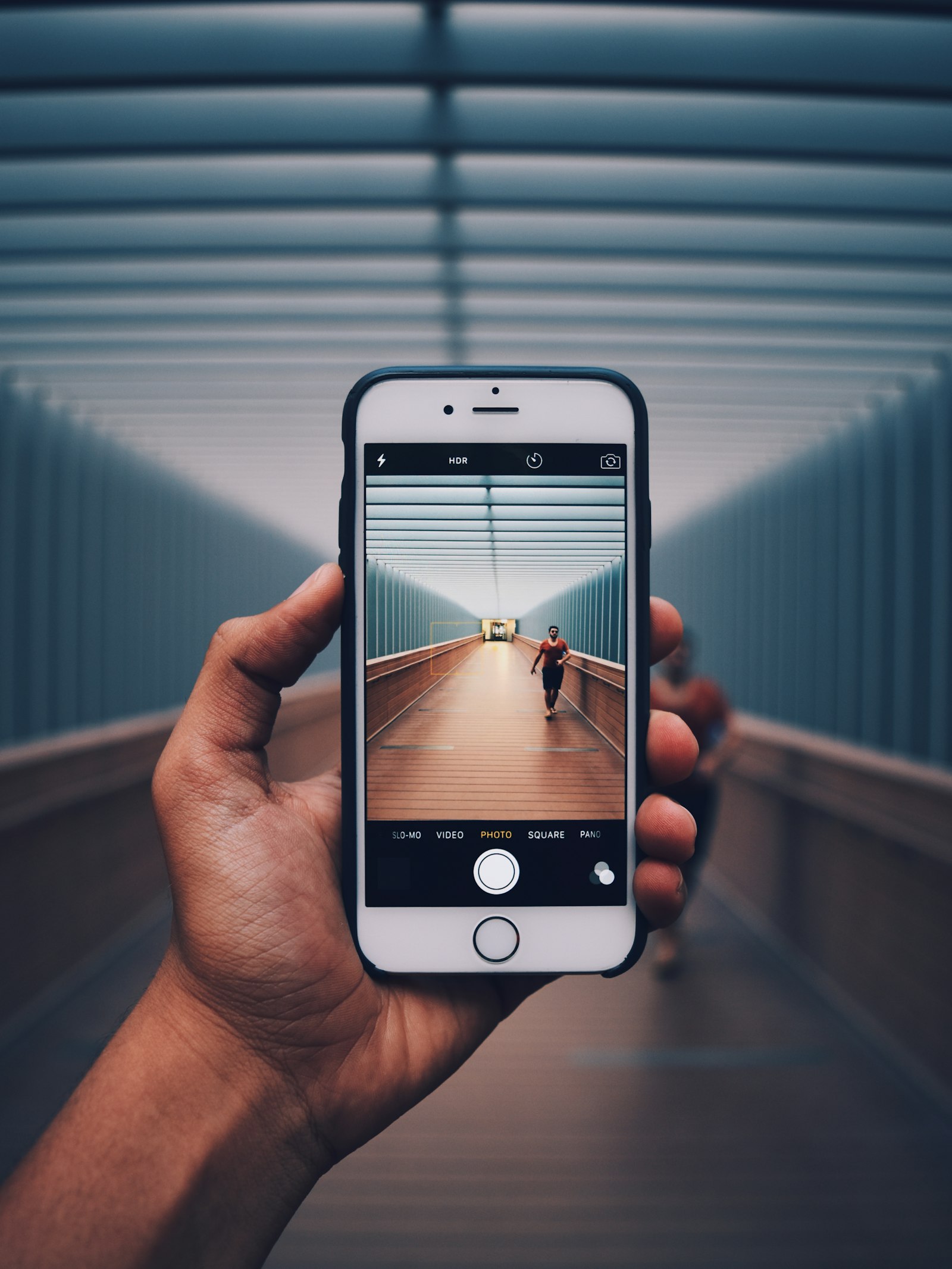
Some iPhone 18 Pro and Pro Max owners have been watching their phones freeze after a failed Face ID attempt, then hard reboot a few seconds later. 9to5Mac reproduced it by covering a face during a Passwords unlock, and Apple has now confirmed a software fix is coming. Cult of Mac puts that update in the week beginning September 28, which is the week we are in now.
That timing matters more than another round of launch-week panic. People had already started swapping phones at Apple stores thinking the new under-display Face ID hardware was broken. Apple's answer points at software instead.
What breaks, and who it hits
As 9to5Mac describes it, a failed Face ID scan can leave the phone ignoring touch, then force a reboot. Afterwards you can sometimes find a panic log under Analytics in Settings. The reports center on iPhone 18 Pro and Pro Max, which moved the infrared camera under the display near the status-bar clock and shrank the visible Dynamic Island by about 25 percent, per that reporting. It does not sound like every unit is affected, but it was common enough across social posts and reader tips for Apple to commit to a patch.
| Milestone | Date | Days from Sep 28 |
|---|---|---|
| 9to5Mac details the Face ID freeze/reboot | Sep 23 | 5 days ago |
| Apple confirms a software update to 9to5Mac | Sep 23 (evening PT) | same day as the deep dive |
| Promised window: "early next week" / week of Sep 28 | Sep 28–Oct 4 | now open |
| watchOS 27.0.1 for Watch Series 12 / Ultra 4 restarts | around Sep 23–24 | already shipped |
Cult of Mac expects the iPhone fix to land as something like iOS 27.0.1, after the day-one update many Pros already installed. Apple has not published a public support document with that build number in the stories we checked, so treat 27.0.1 as the widely expected label, not a confirmed App Store string until it appears under Settings → General → Software Update.

What you should do while you wait
If your Pro freezes after Face ID fails, force restart the usual way: volume up, volume down, then hold the side button until the Apple logo. Do not assume you need a Genius Bar hardware swap for this specific symptom while Apple's software fix is still in the promised window. That is the point both 9to5Mac and Cult of Mac stress after seeing people trade working-but-buggy launch units.
The Watch parallel is useful context, not proof the phone patch lands today. Apple already shipped watchOS 27.0.1 for random restarts on Series 12 and Ultra 4. The phone side is the one still outstanding as of Monday morning PT.
Availability of the update will still vary by device and carrier staging once Apple flips it on, so the practical habit is simple: check Software Update once a day this week, install when it appears, and only escalate to hardware service if the reboot loop survives the patch.
Geeknewz verdict
If you own an iPhone 18 Pro or Pro Max and have seen a Face ID freeze, stay on the software path this week rather than burning a store appointment on a swap. If you have not hit the bug, there is nothing urgent to change. Geeknewz's view: this is a launch-week sensor stack glitch with a promised fix, not a reason to return a phone that otherwise works.
Source: 9to5Mac; also Cult of Mac.