
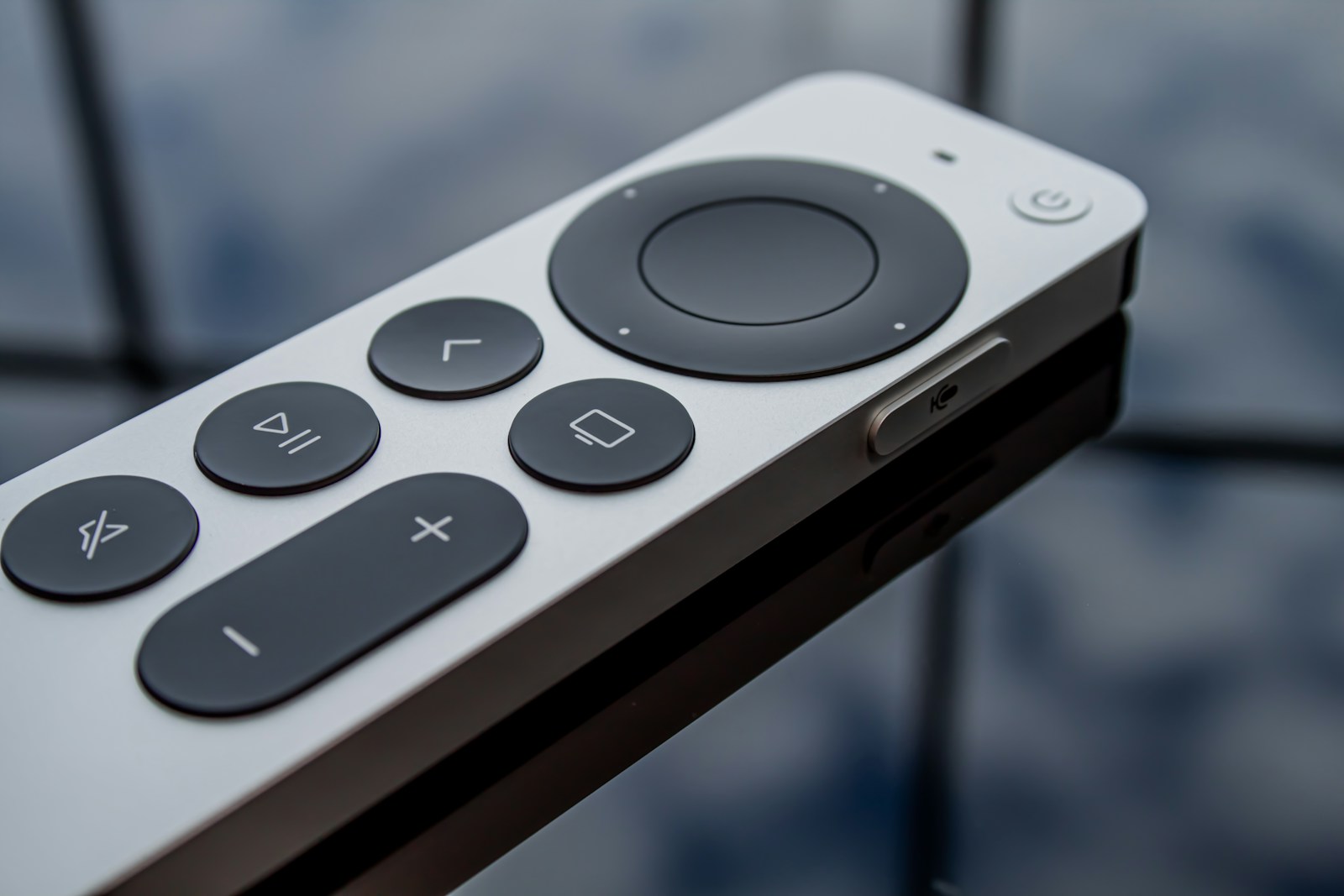
Instagram is now available on Apple TV, giving you a dedicated way to watch its videos on the television. The practical catch is compatibility: Instagram's US App Store listing requires tvOS 26.0 or later, so check your streaming box before looking for the app.
For people who already send each other Reels, the appeal is straightforward: watching together without everyone leaning over one phone. This is an app for Apple's streaming hardware, not a new channel or subscription inside the Apple TV entertainment service.
MacRumors' report on the Apple TV release describes support for Reels, longer videos and live shows, with discovery and the ability to resume watching across devices. It dates the apparent launch to October 23 using Apple's TV-specific release metadata. The current listing independently confirms Apple TV support; we haven't tested playback or account setup.
Check the app on your own television
Start with the App Store on your Apple TV and look for Instagram from Instagram, Inc. The US listing labels the download free with in-app purchases. That doesn't make every paid Instagram feature free, and you shouldn't treat a badge or subscription offer as a requirement just to download the app.
Availability also deserves a local check. The listing warns that some features may differ by country or region. A US storefront entry isn't proof that every household elsewhere will see the same options, so confirm the app appears in your own storefront before promising a group viewing session.
Don't assume every TV feature transfers
In its June update about Instagram for TV, Meta described expanding to Samsung TVs and exploring longer creator videos, episodic series and live broadcasts. It also specified that phone-to-TV casting was available on Google TV and Fire TV at that point.
Those earlier platform announcements aren't a feature checklist for Apple TV. If casting a saved Reel from your phone is the main thing you want, check that exact workflow rather than assuming the new app supports every feature mentioned in a different device's launch.
For a first try, choose a creator or a few videos you actually want to share. Check the signed-in account and what's about to play before handing over the remote. The useful test is whether Instagram makes that small shared session easier, not whether it can fill another evening with recommendations.