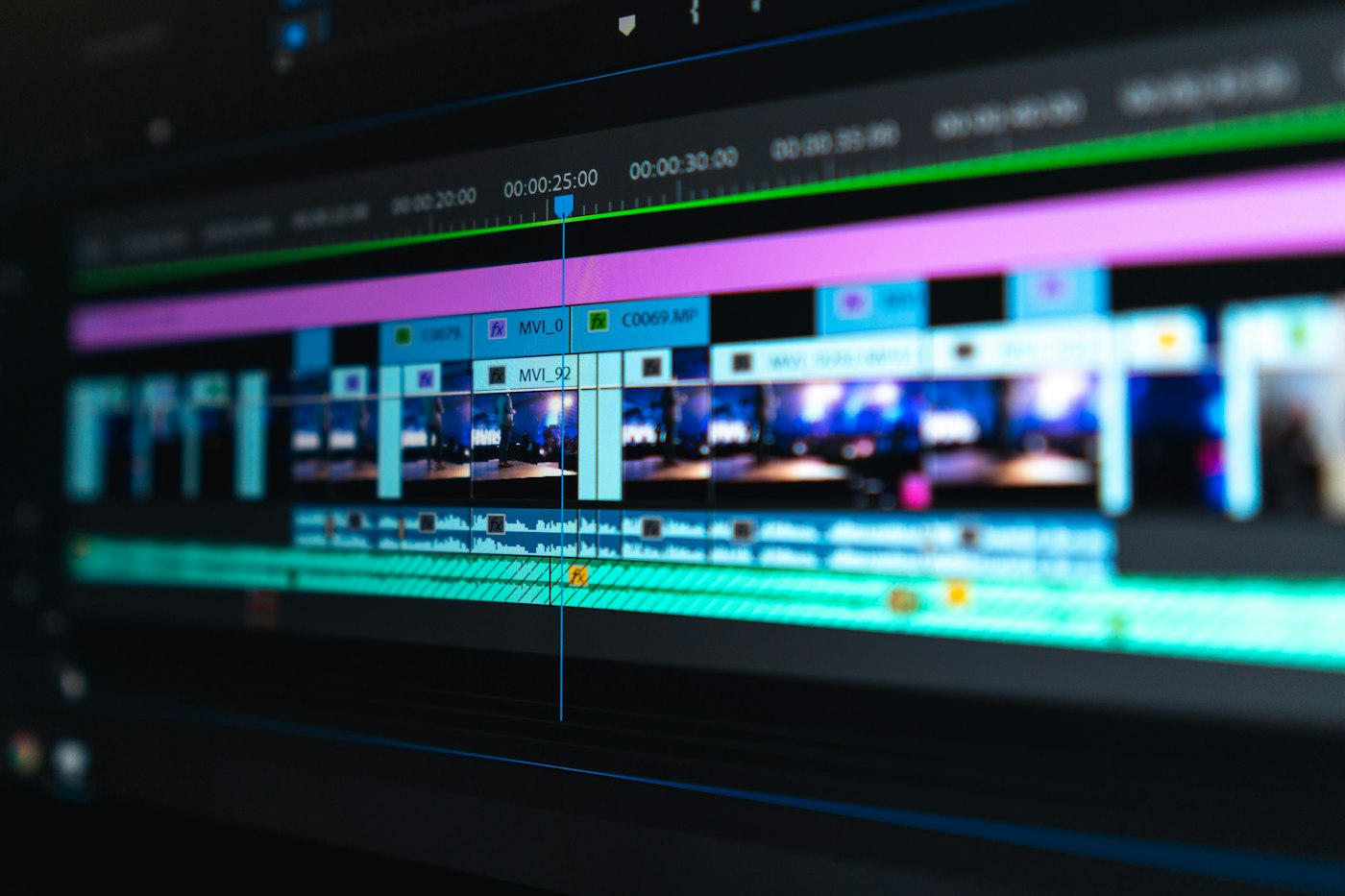
Original Geeknewz editorial — checklist framing from Google’s September 23 Vids rollout of Gemini Omni 1.1 Flash, the free consumer path at vids.new, and SynthID watermarking. This is not a single-outlet rewrite.
Google spent years treating AI video like a lab demo you watched, then closed the tab. On September 23 that changed. Anyone with a Google or Workspace account can open Google Vids, pick Create AI videos, and generate 1080p scenes with Gemini Omni 1.1 Flash at no cost. You can extend a clip while keeping lighting and characters steadier, set exact durations so a voiceover lands, and upscale older AI shots so they match the timeline.

That is a real product moment for people who do not own Premiere, After Effects, or a weekend of patience. It is also the moment when free, publish-ready AI video leaves the hobbyist corner and lands in product launches, local ads, and school club promos. So before you hit share, run the Geeknewz smile test. These five checks will save you from the most common “looks fine in the preview” mistakes.
Is the clip actually directed, or just prompted once?
Omni 1.1’s useful trick is control, not magic. Google’s own pitch leans on scene extension, duration sliders, and 1080p output that is meant to be publish-ready. That means you should treat the first generation as a rough cut. Extend the awkward beat. Trim the length to match your script. Upscale only after the story works at a small size. If you prompt once and export, you are using a fancy slot machine. If you iterate like an editor, the free tier starts to feel like a real tool.
Who is the audience, and does a template beat a custom scene?
Vids still ships ready-made templates for product drops, community announcements, and landing-page fluff. For a side hustle or a local shop, a template plus a few photos of inventory will often beat a fully invented AI world that looks generic. Ask yourself who has to trust the video in five seconds. A fundraiser for your neighborhood club can look handmade. A paid SaaS landing page needs consistency more than spectacle. Match the tool to the stakes instead of defaulting to maximum AI.
Where is the watermark, and can a viewer verify it?
Every Omni 1.1 clip in Vids carries an imperceptible SynthID watermark in the frames. Google frames that as transparency, which is the right instinct. Before you publish, know whether your destination preserves that signal, and whether you are also disclosing AI generation in the caption when the context calls for it. A watermark that only machines can see is not the same as telling a human customer the promo was generated. Decide your disclosure bar up front, especially for anything that looks like real people, real places, or real testimonials.
What happens when narration and quotas show up?
Google says Gemini 3.8 Flash-Lite text-to-speech is coming to Vids for natural voiceovers across 100-plus languages. That will make the free editor even stickier. It also means your next bottleneck will not be pixels. It will be usage limits, brand voice, and whether a Workspace admin has set any guardrails. Personal accounts and AI Pro or Ultra plans already sit on different capacity lanes. Enterprise teams get bigger pools and admin controls. If you are building a weekly content habit, check the pool before you promise a daily video cadence to your boss.
Would you still ship this if a competitor screenshotted it?
Free AI video lowers the cost of looking polished. It does not lower the cost of looking interchangeable. Watch your own export the way a skeptical viewer would: same stock-ish faces, same floating product, same soft lighting. If the clip could belong to any brand in your category, rewrite the brief. Add your actual product photos, a concrete price, a date, or a human face your audience already knows. The model can fill frames. Only you can make the video feel like it came from your company.
Geeknewz take
Google Vids with free Omni 1.1 is less “AI ate Hollywood” and more “Canva energy for short video.” That is genuinely useful for founders, teachers, and small teams who were stuck in slideshows. It is also why the publish checklist matters. Direct the clip, pick the right template level, respect SynthID and disclosure, watch your quotas, and make sure the finished piece could only be yours. Free HD is the headline. Taste is still the product.