
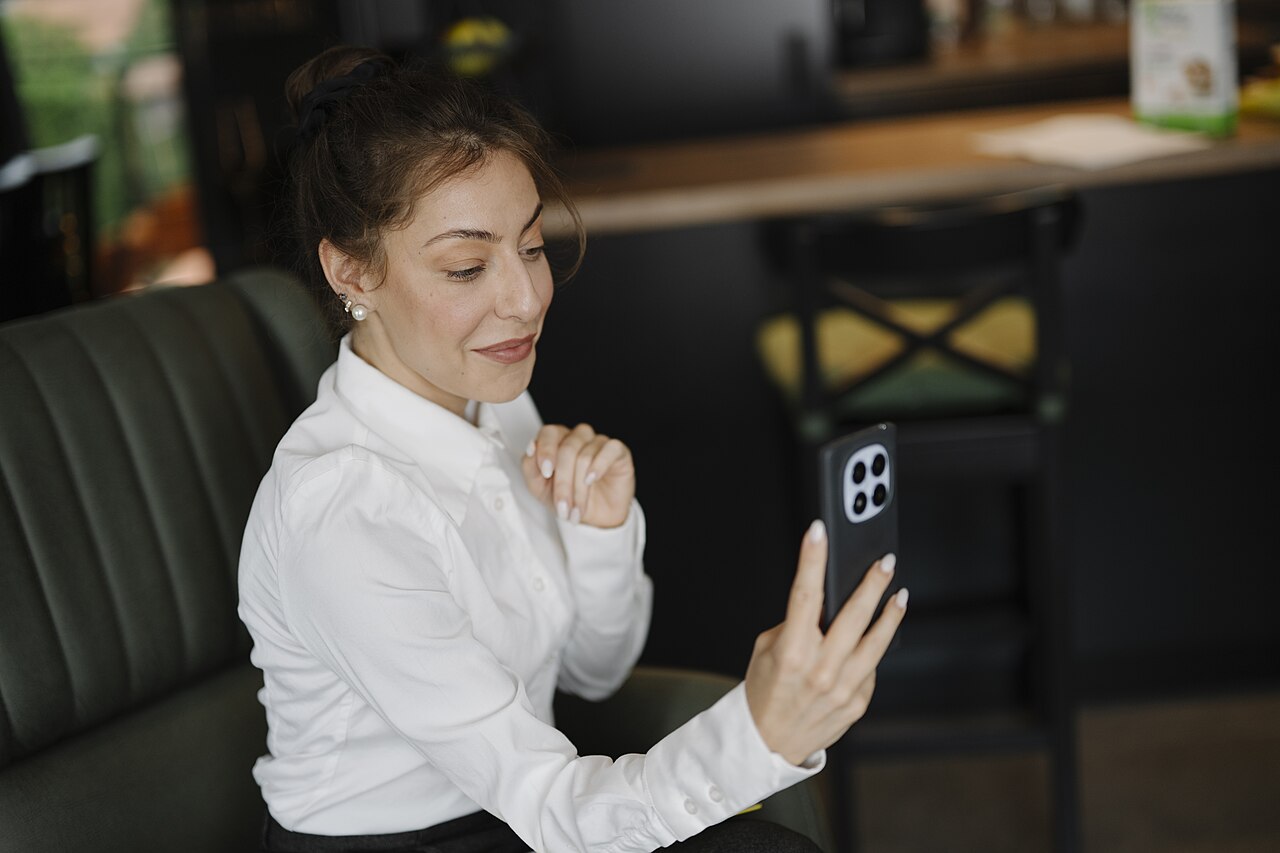
Google Meet is extending paired video tiles to mobile, so a participant and their sign language interpreter can stay together in the meeting layout. Android's rollout is already underway, but the iOS rollout doesn't begin until November 2. If you're arranging an interpreted call, that difference matters more than the announcement's broad promise of mobile support.
The useful change is shared visibility. Pairing links two participants' video tiles for other attendees, rather than leaving everyone to find the interpreter themselves. It can also keep co-presenters together. This is a layout feature, not an announcement of automatic sign language interpretation.
In its mobile tile-pairing announcement, Google says Android's gradual rollout began October 12, with up to 15 days for visibility. iOS gets the same gradual rollout window starting November 2. Eligibility includes all Workspace customers, Workspace Individual subscribers and personal Google accounts. Workspace administrators can disable the feature for an organizational unit, so eligibility alone doesn't guarantee you'll see it in a work meeting.
Check the pairing before the meeting starts
The existing Pair tiles help page explains the underlying arrangement: one participant requests a pairing and the other accepts it. You can pair with only one person, and accepting another pairing replaces the previous one. The page also says pairing isn't available for recordings or breakout rooms.
There's a documentation wrinkle worth flagging. That help page still describes the feature as desktop-only, while the new announcement gives mobile rollout dates. Don't treat its desktop menu instructions as a verified walkthrough for your phone. Check the option in the actual mobile app and account you'll use, especially if you're preparing instructions for someone else.
A short rehearsal is more useful than discovering the missing control after introductions. Join with the interpreter, establish the pair and ask another attendee whether both people remain easy to see. Then try the presentation layout you intend to use. That checks the experience the audience receives, not just the view on your own screen.
Google's broader Meet accessibility guidance recommends current versions of the app, browser, operating system and assistive technology. It also treats captions, transcripts and paired tiles as distinct features. Choose the combination the participant actually needs rather than assuming one replaces another.
For a call happening soon, agree on a fallback before sending device-specific instructions. Keep a known-working desktop setup available where practical, and check recordings or breakout plans separately. The mobile expansion is welcome, but the meeting should depend on a tested arrangement, not a rollout date.