
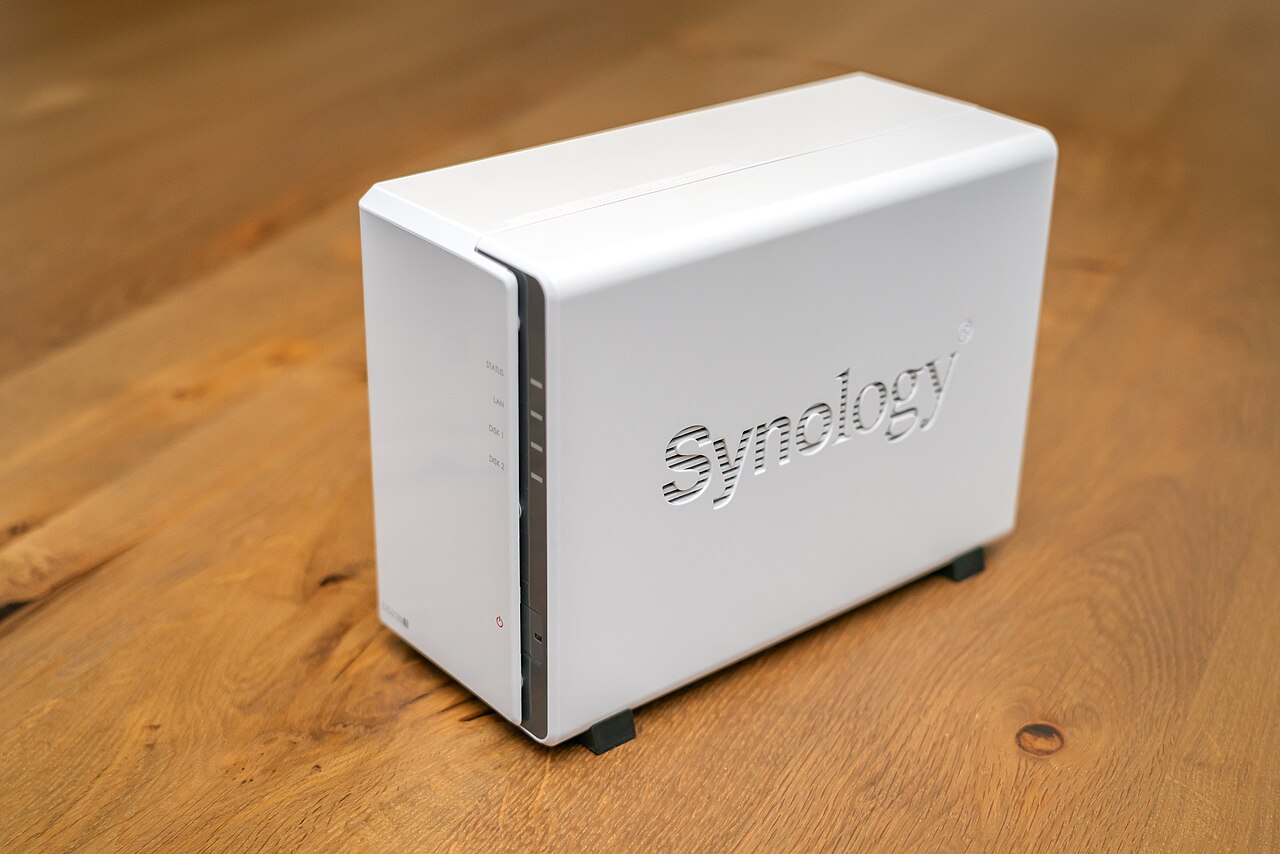
Plex says attackers are actively exploiting outdated media servers. If you run one that's reachable from the internet, checking it should come before clearing the rest of your app notifications.
This Daily Geek Drop is about putting digital housekeeping in the right order. Alongside that warning, Google is extending an Android scam safeguard, while Spotify documents a time-limited Family-plan verification check. They all ask for your attention, but they don't deserve the same urgency. One concerns an exposed computer, another adds protection, and the third is an account-policy deadline.
Check the Plex server first
In its October 19 security update, Plex says vulnerabilities fixed in September are now being widely exploited. Plex Media Server 1.43.3.10861 and later aren't affected by those vulnerabilities. Check the server's version under Settings > General in Plex Web, rather than assuming an updated player app means the server is current.
The important wrinkle is that updating isn't necessarily the whole cleanup. Plex advises treating an older, internet-accessible server as potentially compromised. Its warning includes unexpected processes, unfamiliar files in the Codecs directory and unusually high processor use when idle. If you find signs of intrusion, or can't rule it out, follow the vendor's clean-rebuild guidance rather than simply reusing the old installation directory.
That distinction matters for a media box that quietly runs in a cupboard. A successful update tells you which version is installed now; it doesn't establish what happened before. If someone else maintains the household server, send them the advisory. If you don't need remote access, reconsider leaving it enabled.
Older Android phones get another safeguard
Google's system-services release notes list an expansion of in-call scam protections in Google Play services v26.41, dated October 19. The protection covers apps requesting accessibility permissions during a call and extends to Android 15 and earlier.
That's a more useful detail than a vague promise of better security: it identifies the risky interaction the safeguard addresses. It also means this particular improvement isn't reserved for people buying a new phone or installing a new major Android version.
Check for available Google system-service updates, but don't treat a release-note entry as proof the feature has reached your handset. Nor should an added guard become a reason to follow a caller's instructions to grant powerful permissions. End an unexpected support call and contact the organisation through a route you already trust.
Spotify's deadline is a different kind of problem
Spotify's Family verification help page, in its India-English support section, describes a QR-code check for some members. The member and plan manager must be physically together, using updated mobile apps. Members have seven days after notification to complete the check.
Missing or failing it can prevent joining a different Family or Duo plan for 12 months. That's a meaningful account consequence, not evidence your phone has been hacked. The page doesn't establish that every subscriber in every country is being checked, so don't assume a headline elsewhere means your household has a deadline.
If a prompt reaches you, open Spotify directly and check the instructions there. Deal with the server exposure first, install available protection updates next, and put any genuine subscription deadline on your calendar. Prioritise the consequence of ignoring a notice, rather than whichever app makes the loudest demand.