
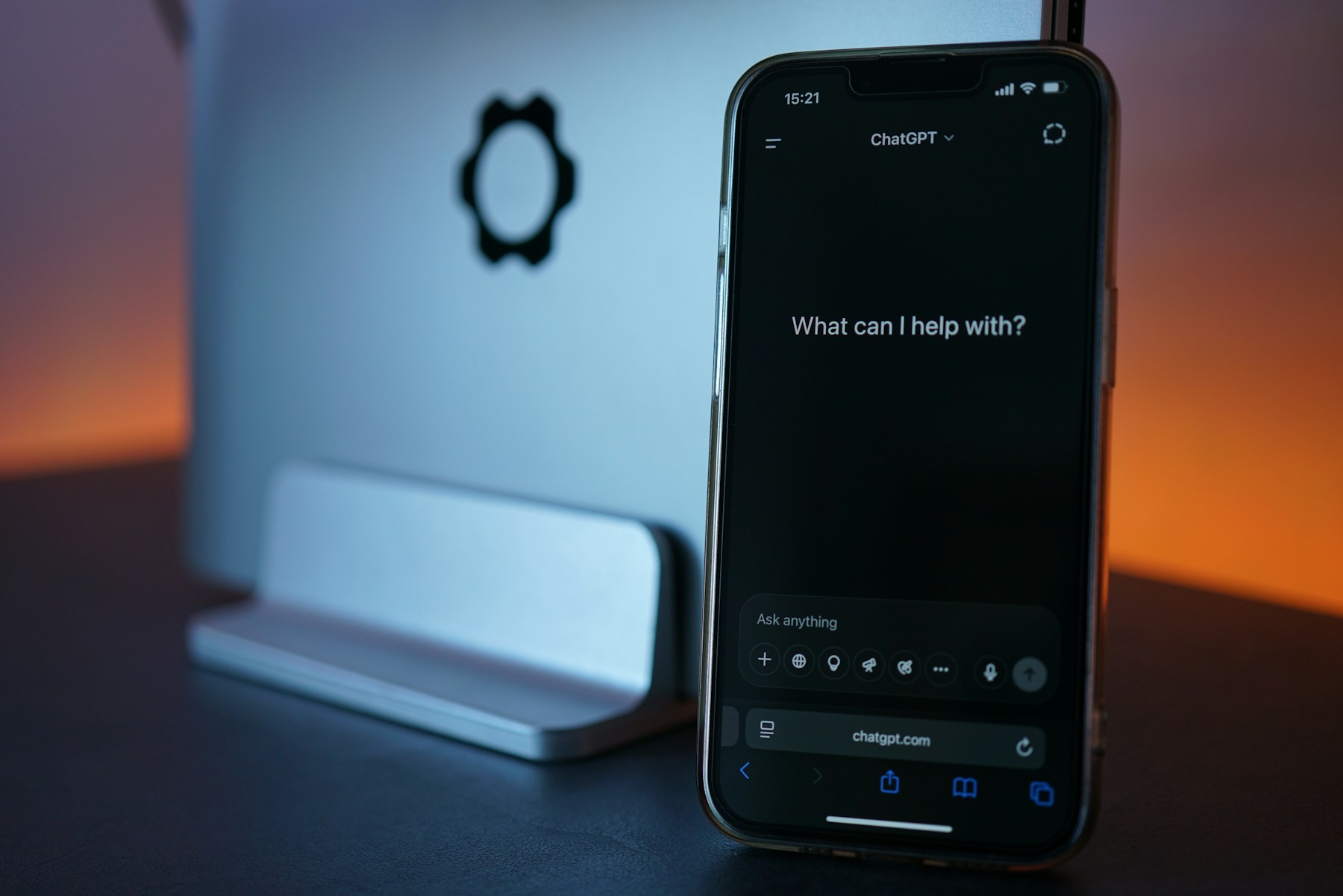
ChatGPT Space is rolling out to Plus subscribers, expanding access to editable pages and presentations that you can build with other people. The change makes collaboration more accessible, but it doesn't turn a shared page into a public webpage: recipients still need their own eligible account and permission to open it.
OpenAI's November 20 ChatGPT release notes say the rollout is global for Plus users aged 18 and older. Space replaces Library in the sidebar and brings together pages, slides, images and uploaded files. Pages and presentations can also be set to update using connected apps and tools.
Check who can open the work
The important limit comes at sharing time. OpenAI says recipients must be signed in to a Plus, Pro, Business or Enterprise account with Space access. Free accounts can't open shared pages or presentations, and public links aren't available.
That matters if you're preparing a family plan, a club update or a document for a client. Before building the whole thing around a shared page, check the recipient's access. A link that works for you isn't enough to establish that everyone else can read it.
The current Getting started with Space guide says pages can be created and edited on the web, desktop, iOS and Android. If Space is missing in the desktop app, update the app; it may still be unavailable for your account during rollout. Existing Projects remain separate.
The guide also distinguishes uploaded files from links. Files uploaded into a page follow that page's permissions. Linking a separately stored file doesn't grant access to its original, including when it's in a connected service. However, information copied or summarized onto the page becomes readable to people who can view that page.
For a first shared document, start with material you're comfortable giving that audience. Review the text itself, attached files and intended recipients together, rather than assuming the original source's restrictions will protect a summary you've placed on the page.
Choose view or edit access deliberately. Someone who only needs the finished plan may not need permission to change it. Open the sharing controls again before sending the invitation, especially if you've added supporting material while drafting.
The rollout is worth checking if you already use Plus and want a document that others can help maintain. Confirm that Space has reached your account and that your collaborators can open it before making it the only place you keep essential instructions.