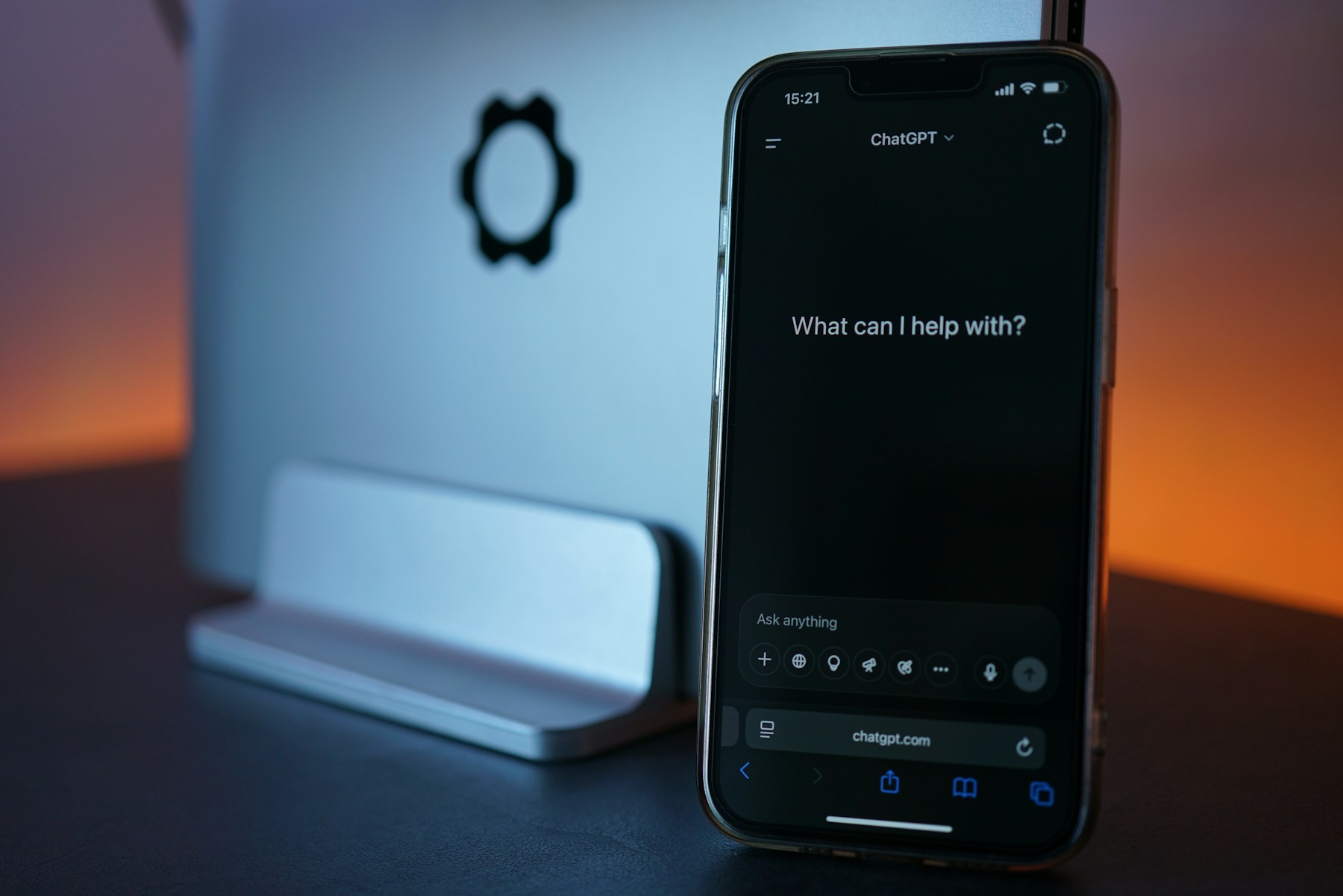
OpenAI announced Images 2.6 on November 4, bringing GIF creation and reusable photo references to ChatGPT alongside faster image generation. The company also says the model preserves details more reliably during edits, such as keeping a character's clothes consistent while changing the background.
The ChatGPT release notes describe two additions: request a looping animation, with playback-speed adjustment and sharing, or save a reference photo under a name and reuse it in later chats with an @ mention. GIF creation is rolling out, so the announcement does not mean every account will show it immediately.
The launch announcement says Images 2.6 is available globally across ChatGPT and Codex subscription tiers on desktop, mobile and web. Its claim of 50% faster generation comes from OpenAI; we have not independently benchmarked the update.
Start with an edit you can check
A useful first test is something deliberately small. Take an illustration you own and ask for a different background while keeping the subject's shape, colors and position unchanged. Put the original beside the result and inspect the details you care about. A shirt pattern, product label or distinctive marking gives you a clearer comparison than asking whether the whole image looks better.
For a repeat project, keep a clean original outside the chat and name references clearly. A pet portrait, a character sketch and a finished poster are different starting points. Mixing them together makes it harder to explain which appearance you want carried into the next image.
The practical question is how much correction remains after each edit. A quick first result loses its advantage if you spend the next few rounds restoring details that were already right.
Keep the first animation simple
Try one subject and one movement: a paper bird flapping its wings, for example. Describe what should remain still as carefully as what should move. Watch the loop several times, including where it restarts, before adding a background full of moving objects.
Check the finished file wherever you intend to share it. A loop that reads clearly at full size may become confusing in a small message preview. Keep a still version available for places where animation is distracting or does not play.
Use images you have permission to upload, and review any faces, lettering or product details before publishing.