
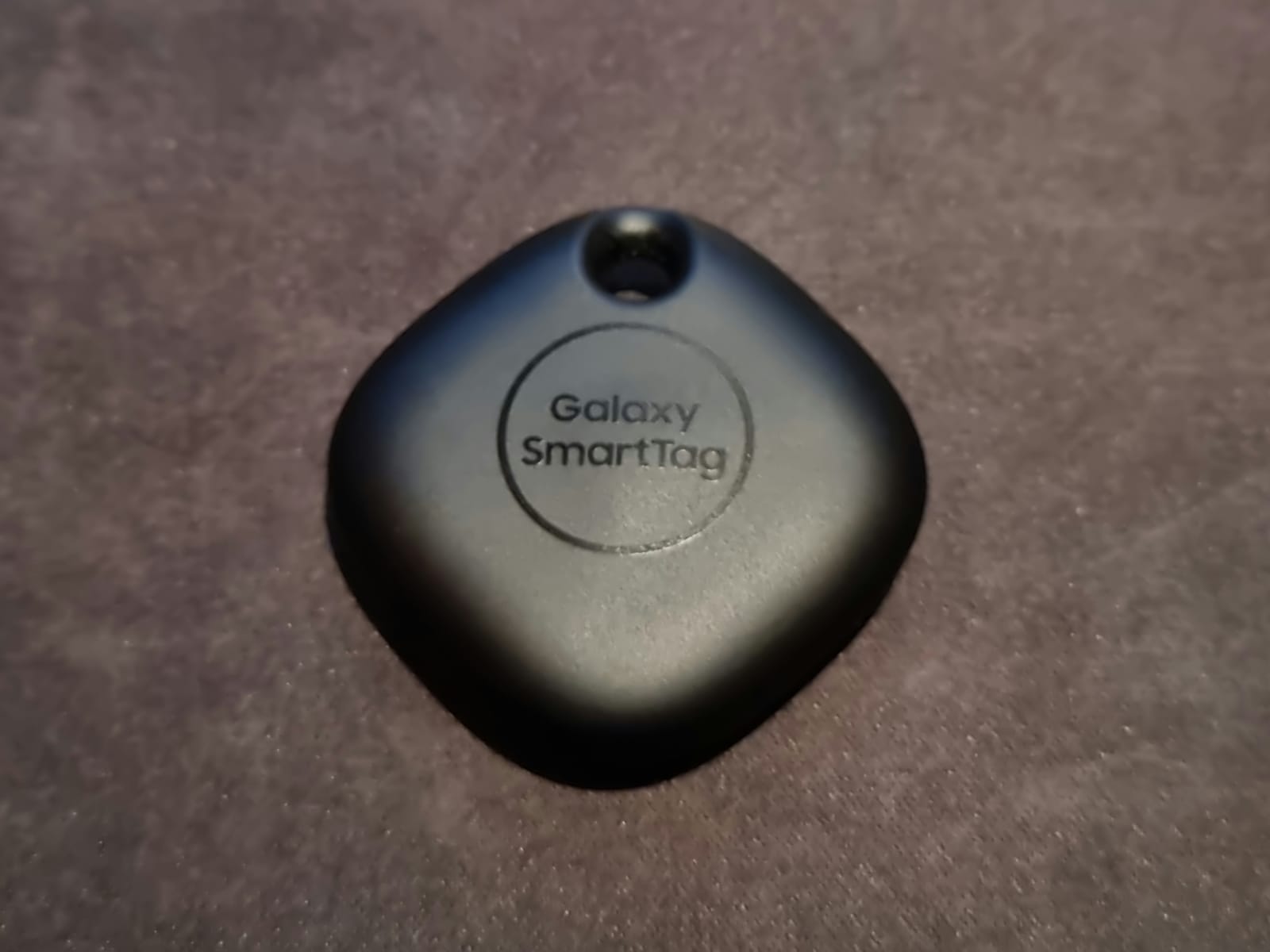
A Bluetooth tracker alert should tell you what the system observed before asking you to interpret what happened to your bag. “The hub stopped receiving this tag” and “the bag moved” are different claims, even when both might prompt you to check the same place.
My argument is that tracker apps should make that distinction central to their alerts and maps. A clear account of the evidence, including when it was collected, is more useful than a confident-looking message that leaves you to reconstruct how the system reached its conclusion.
Samsung's SmartTag3 technology explainer provides a useful example. For home arrival and departure notifications, a compatible hub monitors a registered tag's signals. Samsung says it interprets detection as arrival and a prolonged absence as departure. The description makes clear that this is an interpretation of radio reception.
That can be a useful convenience. It also deserves language that helps an owner understand the observation behind the alert.
Show the evidence beside the message
Consider a hypothetical bag left beside your desk. An alert arrives while you're elsewhere, saying the item has left home. You need to decide whether to call someone, check the app again or wait for another update.
The first useful detail is the last successful observation. Which device detected the tag, and how long ago? The next is what caused the alert: a new location report, a movement event or the absence of the expected signal. Those explanations support different decisions.
An app needn't expose a radio diagnostic log to do this. A short line such as “No signal received by the living-room hub since 10:15” would describe the evidence directly. That's a proposed wording example, not a description of an existing Samsung screen.
The notification could still offer a simple action: open the item, review the latest detection or check whether the hub is available. The important design choice is keeping the observation visible when the app translates it into an everyday phrase like “left home.”
There is a reasonable counterargument. Most people want a quick answer, and a notification full of qualifications can become useless. But making the evidence available doesn't require making it the whole notification. A concise headline and one explanatory line would let people act quickly without hiding the basis for the alert.
A map needs a time as well as a place
The same principle applies to the map pin. A location can be accurate for the moment it was recorded and still be a poor description of where an item is now.
Apple's Find My guidance says that when a current location can't be displayed, the app may show a last known location for up to seven days. Apple also describes the Find My network as nearby devices detecting Bluetooth signals and reporting an approximate location.
That distinction matters when you're retracing a journey. A recent observation at a station and an older observation at home shouldn't carry the same practical weight simply because both appear on a map.
I would like tracker interfaces to give the age of the observation similar visual importance to the pin itself. Opening an item should make it easy to answer whether you're looking at a current detection, a historical detection or no usable location. A fresh-looking screen shouldn't make old evidence feel new.
For owners, the useful habit is to read the time before following the pin. If you share a location with someone helping you retrieve a bag, include when it was recorded. That gives the other person the context needed to decide whether to check the spot or ask for another update.
It's also worth learning your tracker's language while the item is safely in your possession. Read what its arrival, separation and movement alerts mean. For a hub-based feature you intend to use, check the supported hardware and the conditions described in its documentation.
None of this removes the value of item trackers. A last known location can narrow a search considerably. The point is to preserve that value by making its limits understandable. Before acting on an alert, check what was detected, by which part of the system and when. Those three details should be as easy to find as the bag's name.